



Features
Everything it does, explained plainly.
Nine parts of the app, in the order you'd meet them. Read the whole thing, or jump to the memorandum at the bottom — that's the one that makes this different.
The five wishes you can assign to any belonging
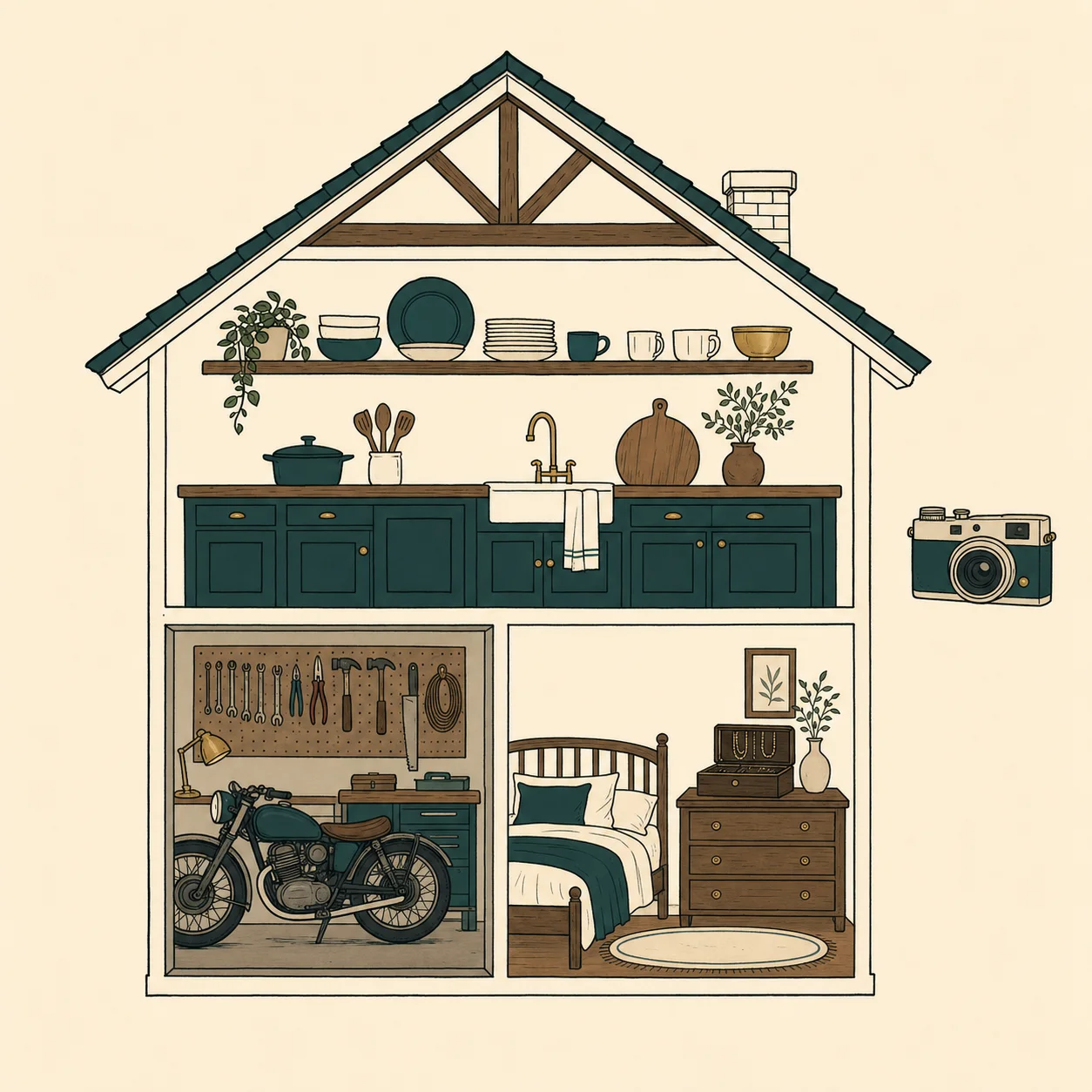
Your home, room by room
Start by adding your home — a name, the address, and a cover photo of the front of the house if you'd like one. Then add rooms the way you'd actually walk through them: the kitchen, the dining room, the garage, the upstairs bedroom, the storage room nobody has opened since 2009.
Each room shows how many belongings you've recorded and a running estimated total, so you can see your progress without doing any arithmetic. Nothing is hidden three menus deep — you tap a home, you see its rooms; you tap a room, you see what's in it.
Premium adds as many homes as you need. The main house, the cabin, the condo in Arizona, and the storage unit can all live side by side.
Capturing belongings
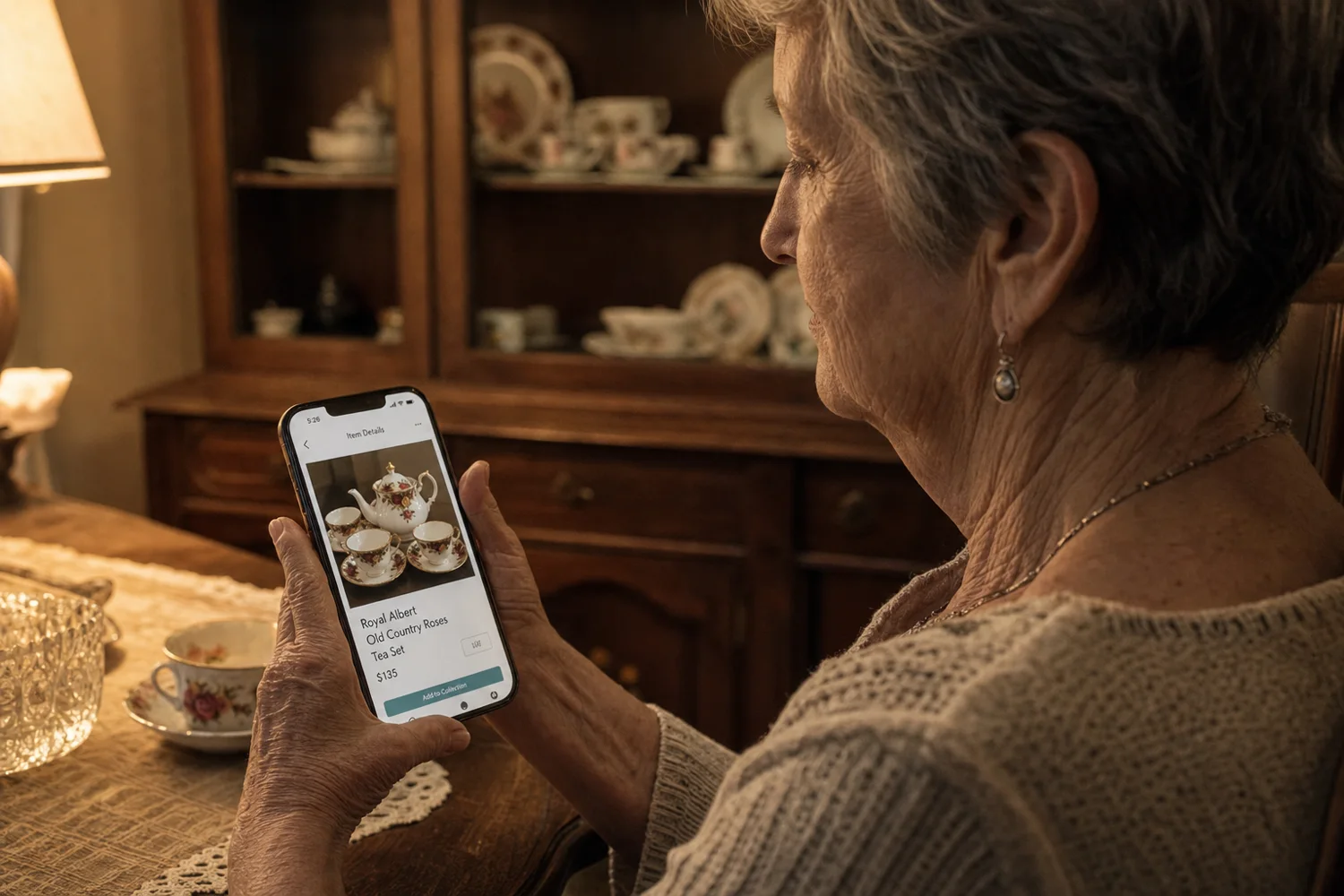
Recording an item takes two things: a photograph and a name. Use the camera inside the app, or pull a picture you already have from your photo library. Tap any photo to zoom in on a maker's mark or an engraving.
Descriptions are optional, and you never have to type one. Every description field has a microphone button — press it, say what you want to say, and the app writes it down for you.
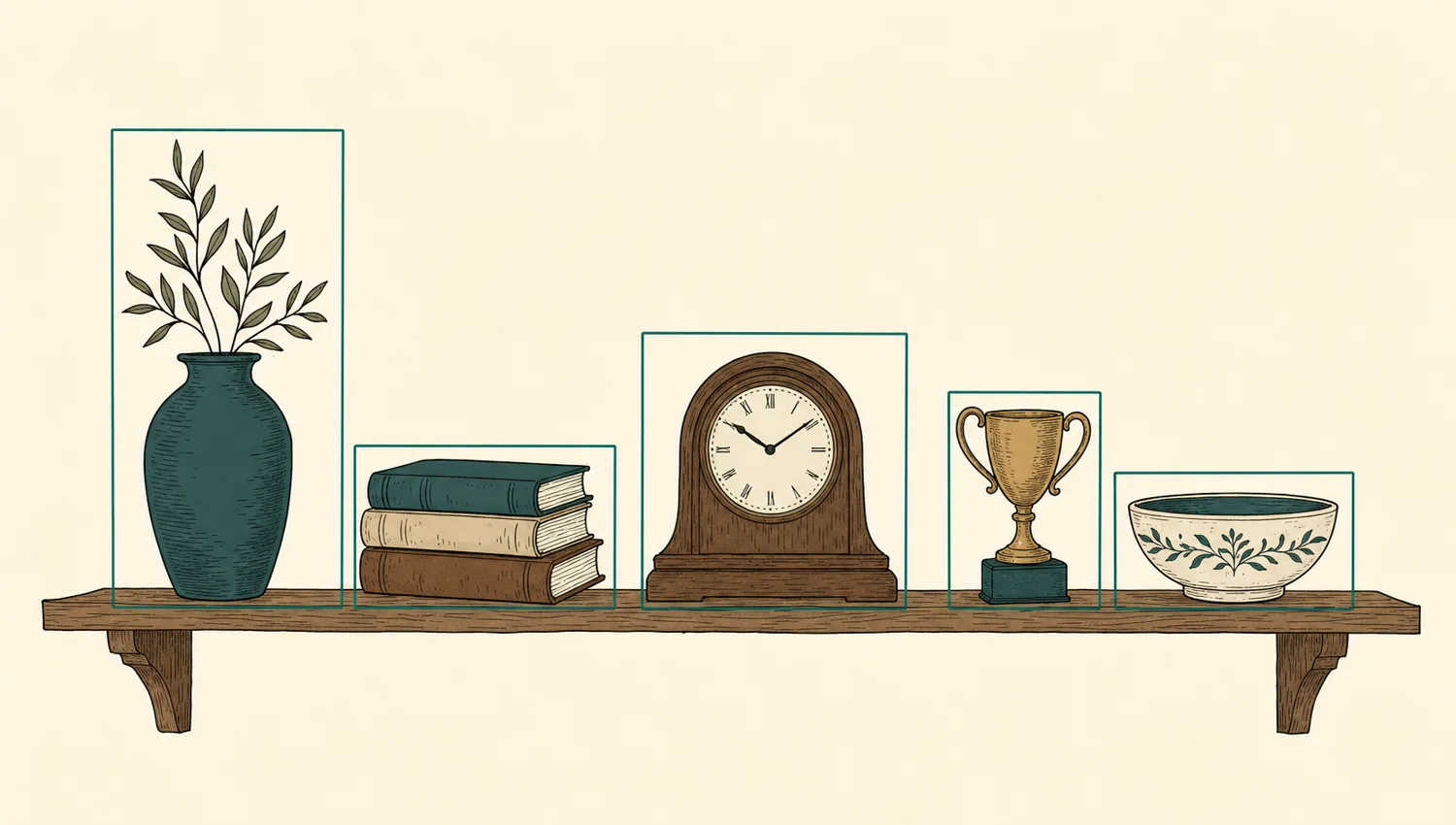
If a shelf holds nine things, you don't need nine photographs. Take one, and the app finds each object in the picture, lists them as separate belongings, and remembers where in the photo each one sits.
The five wishes
Every belonging gets one wish, and you can change it any time. Give to Someone assigns it to a person you've added. To Be Sold tells your executor to sell it and add the proceeds to the estate. To Be Donated sends it to a charity you name.
Up for Grabs hands the decision to your family: they see the item on a private page and tell you what they'd love to have. Not Decided Yet is the fifth wish, and it is a perfectly legitimate answer.
Some things take years to decide. The app will never nag you about them, and an undecided item still appears in your reports so nothing quietly disappears.
The people
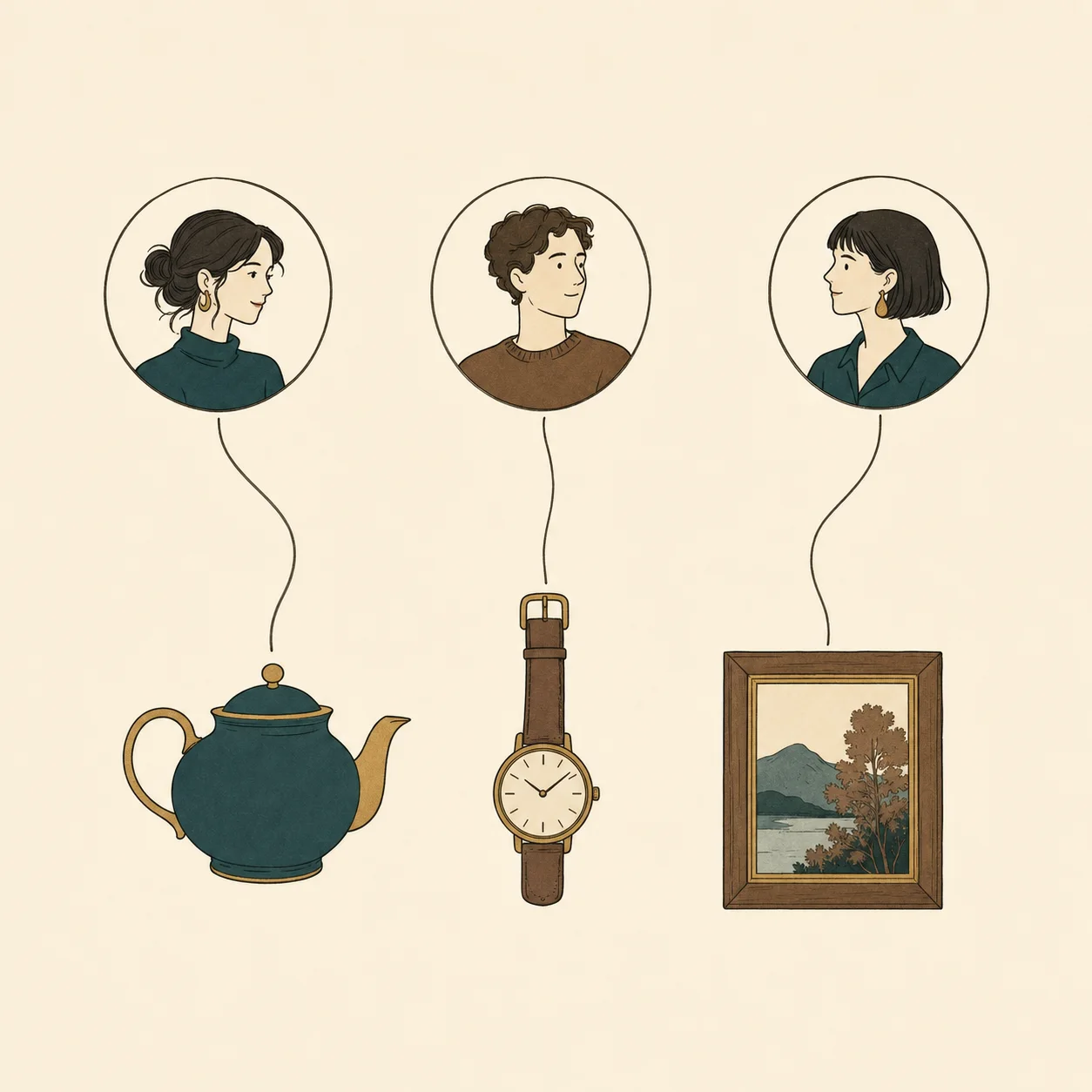
Add the people who matter once — a photo, a relationship, a phone number and an email address — and they're available everywhere in the app. Assigning a belonging then takes two taps.
While you're editing, you can swipe from one person to the next to see everything already set aside for each of them. It's the fastest way to notice that one child has fourteen things and another has two.
People can be family, friends, neighbours, or anyone else. Nobody is notified of anything unless you choose to share it.

Stories, voices, and faces
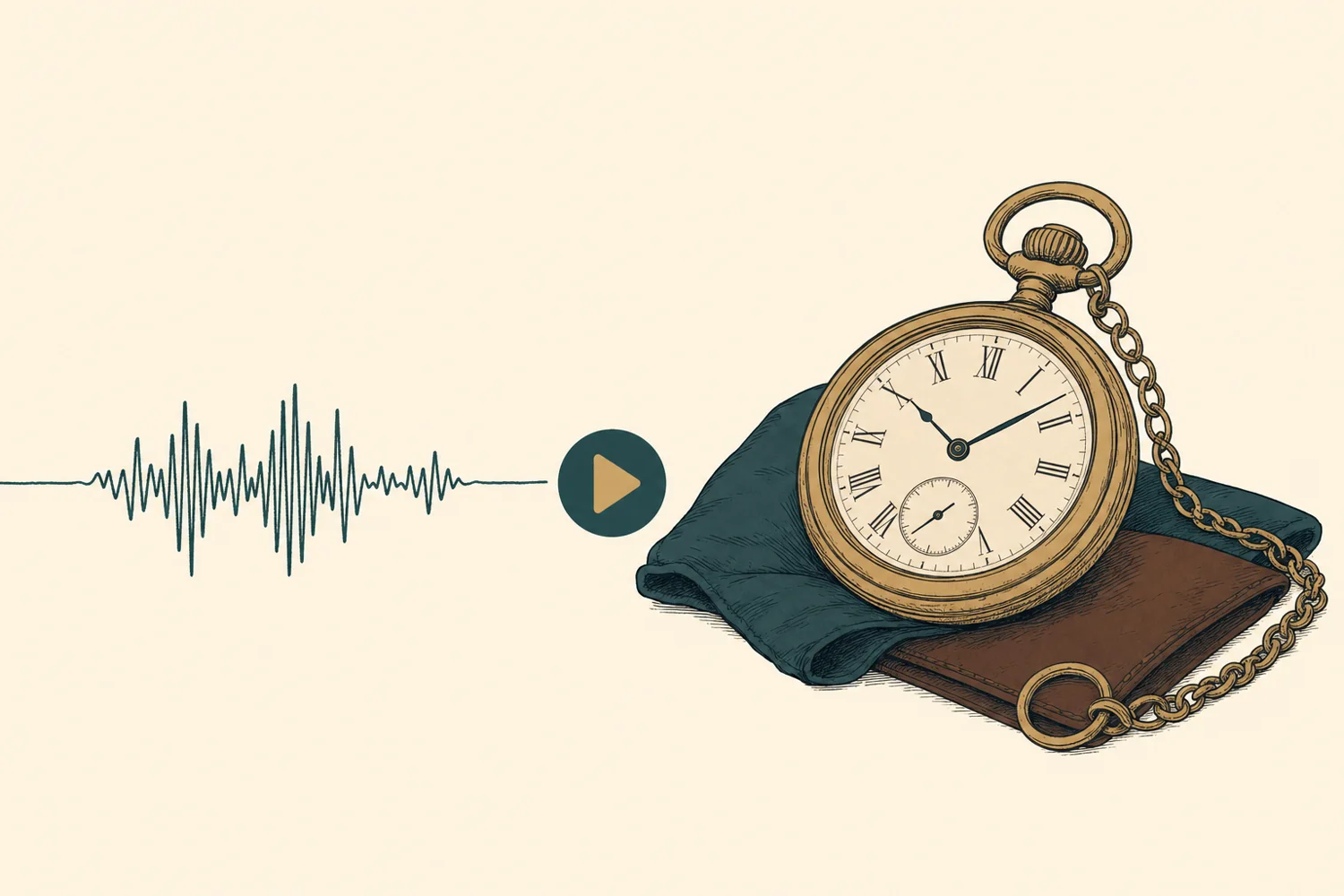
The object is rarely the point. The point is that your father carried that watch through two jobs and forty years, and that he gave it to you on a Tuesday in a parking lot without saying much.
Write that down, or don't — record it instead. Voice notes attach your own voice to any belonging. Video messages let you say it face to face, to one particular person, whenever they open it.
This is the part families keep. A list divides things fairly; a recording tells them why it mattered.
AI Value Estimator
From a photograph, the estimator suggests an informal value for an item. You can also estimate an entire room, or a whole home, in a single tap — useful when you're trying to keep shares roughly even, or preparing notes for insurance.
Estimates appear on your reports and in your room and home totals, and you can always overwrite them with a number you trust more.
An honest limitation: these are informal estimates for planning, not certified appraisals. High-value pieces — jewelry, art, collections, antiques — should still be appraised professionally.
Up for Grabs & family claiming
Mark anything Up for Grabs and the app creates a private page you can send to your family by text or email. They open it in any browser — there's no app for them to download and no account to create — and tell you what they'd love to have.
Claims come back into your app, where you can see who asked for what. When you're ready, one tap turns a claim into a real designation, and the item moves into your memorandum like any other assignment.
You stay in control of the whole thing. A claim is a request, never a decision, and you can close the page whenever you like.
The Personal Property Memorandum
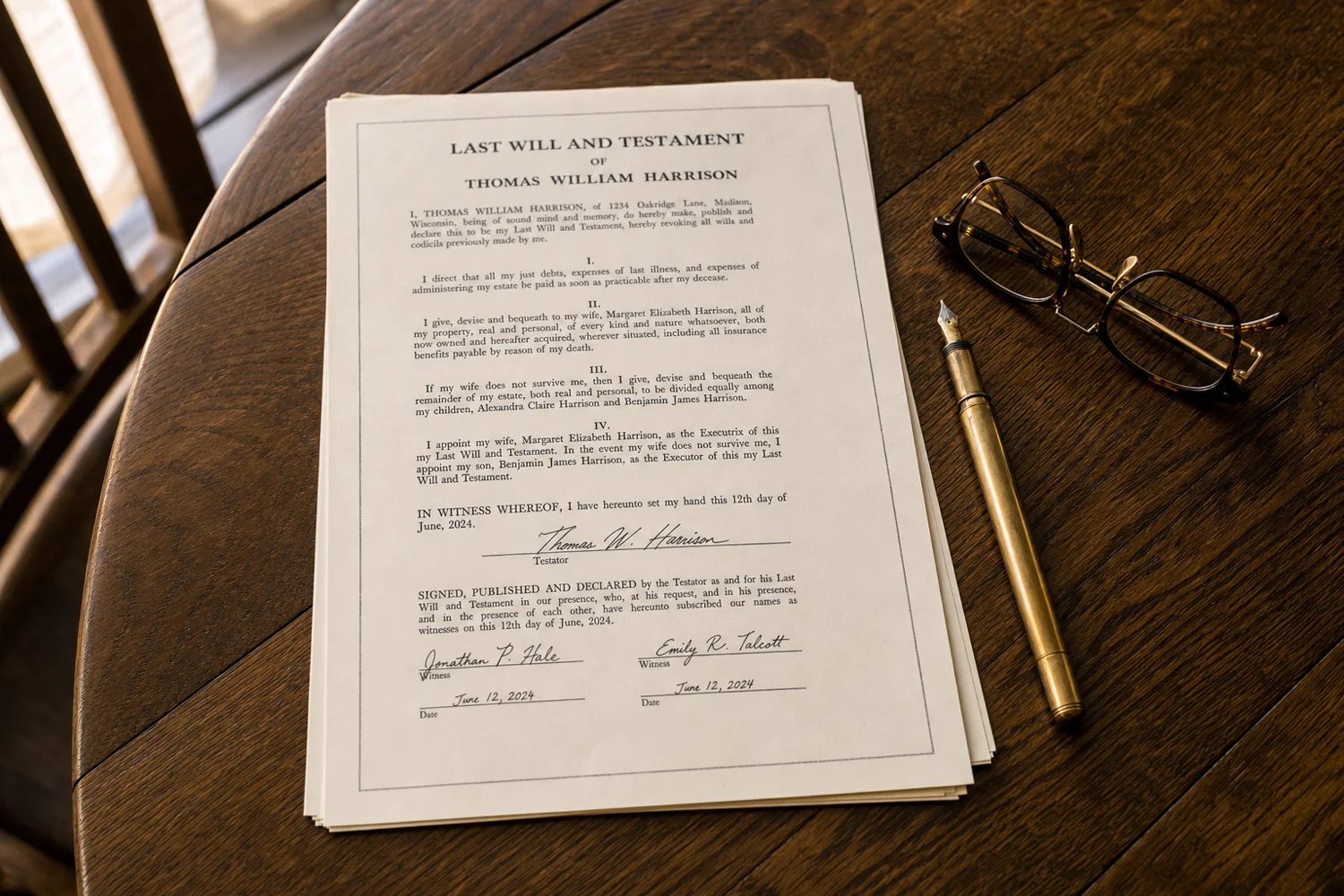
This is the part other home-inventory apps don't do, and it's the reason to use this one. As U Wish generates a properly formatted Personal Property Memorandum — the document that turns a nice list into an instrument your attorney can work with.
It includes a Declaration identifying you and your intent; Incorporation by Reference, tying the memorandum to your Last Will and Testament; Distribution instructions; a Prior Memoranda clause revoking any earlier version you signed; Estimated Values and Photographs articles explaining what the numbers and pictures are and are not; and a full Schedule A listing every item and its recipient.
It ends the way legal documents end: signature, date, and witness lines, with initials on every page. Print it, sign it in front of your witnesses, and hand it to your attorney to review and attach.
Reports & exports
The Keepsake Report is the warm one: large photographs, full stories, and the people they're meant for. It's made for your family rather than your lawyer, and it's the report people actually keep.
Beyond that, print or share a summary by room, by person, or of everything currently Up for Grabs — and export a spreadsheet of your entire inventory for insurance or for your executor.
Everything can be printed at home or emailed as a PDF. Search sits above all of it: type a word and find any belonging across every home instantly.
Legal disclaimer: As U Wish is not a law firm and does not provide legal advice. Documents generated by this app are templates for your convenience. Requirements for personal property memoranda vary by state and country — please have an attorney review your documents.
Available on iPhone and Android
The list you keep meaning to make.
Start with one room. Your first week is free.